Worked example · 18 October 2026
Upgrading a Drupal 10 site to Drupal 11
To show exactly what a Drupal 10 to 11 upgrade involves, I upgraded a realistic practice site and wrote down every step, including the parts that didn't go smoothly.
The site
- Drupal 10.6.19 with Umami, Drupal's official demo site: a food magazine with recipes and articles in English and Spanish (19 pieces of content, 104 page addresses).
- Five common add-on modules most organization sites use: Pathauto, Token, Metatag, Redirect and Admin Toolbar.
- One small custom module, written the older way, as many real sites have.
Step 1: Audit with Upgrade Status
The Upgrade Status module scans the site and lists everything that would break on Drupal 11.
- The add-on modules were all ready. Each already supports Drupal 11, with nothing to fix now.
- The report is noisy. It listed hundreds of "check manually" items, almost all inside the add-on modules' own test files, which don't run on a live site. Part of the job is knowing what to ignore.
- The custom module had the real problems: it called
user_role_names(), which was removed in Drupal 11; it called a function that will be removed in Drupal 12; and its settings file declared it compatible with Drupal 10 only.
Step 2: Fix the custom code
- Drupal Rector, the automatic fixer, corrected one of the two code problems on its own.
- It did not fix the one that actually blocked the upgrade. I rewrote that part by hand, keeping the behaviour exactly the same, and fixed the compatibility setting.
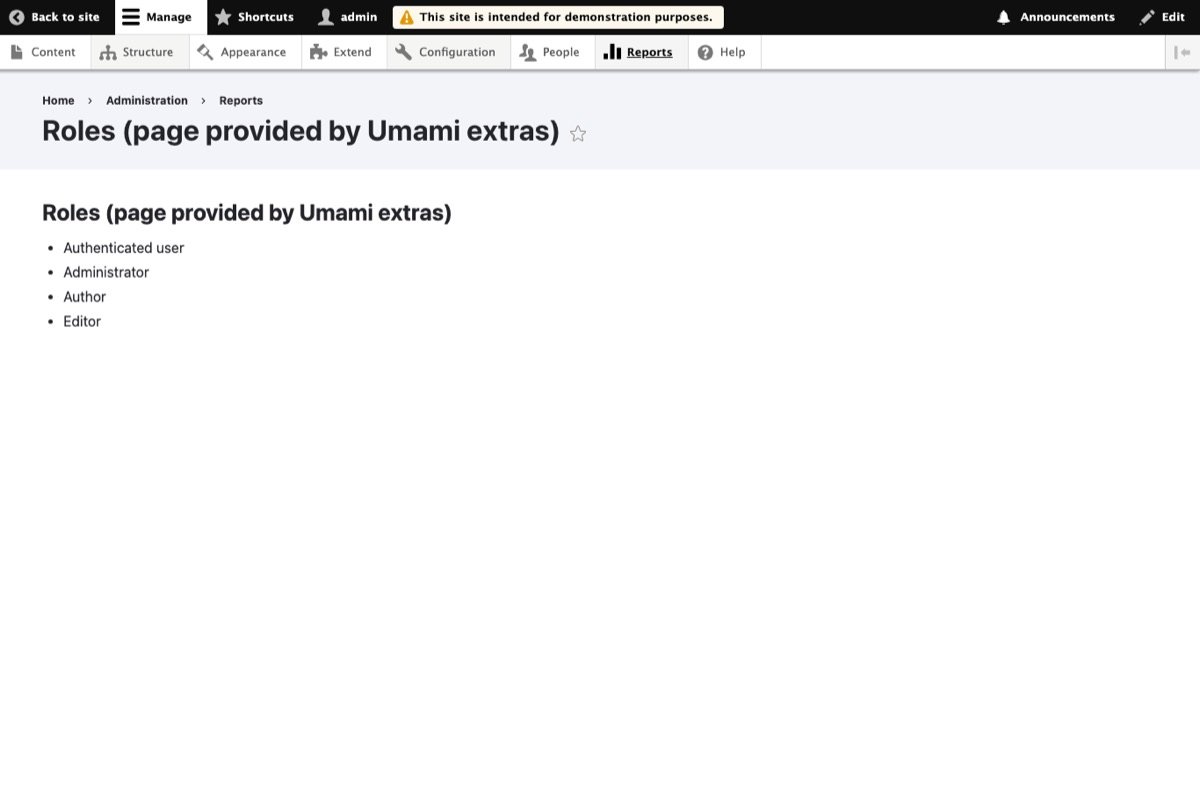
- A second audit of the module found no known issues, and its page still showed the same four roles to administrators and stayed hidden from visitors.
Step 3: Back up, then upgrade
- Backup first: a full copy of the database and the project's package files, so I could roll back at any moment. On the first try my backup command pointed at the wrong folder, and the upgrade stopped before changing anything. That's exactly why the backup comes first.
- Upgrade with Composer to Drupal 11.4.10, the latest release. That matters because Drupal 12 will only upgrade from Drupal 11.3 or later.
- A Drupal 11 surprise: it brings in a new Composer plugin (
symfony/runtime), which Composer blocks until you allow it. It's an official Symfony package, so it's safe to allow, but it stops the upgrade halfway if you don't expect it.
Step 4: Database updates
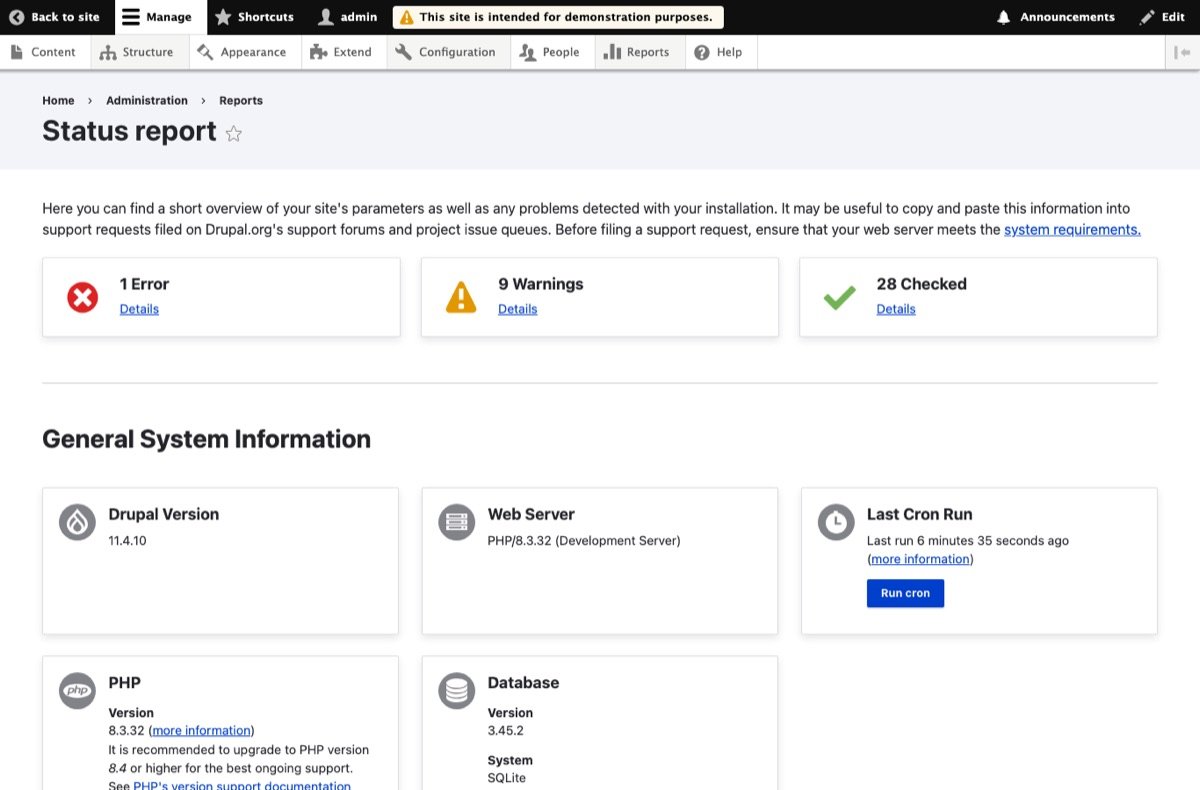
Drupal ran its update steps and finished cleanly. The site started on Drupal 11.4.10 with nothing in the error log.
Step 5: Test everything
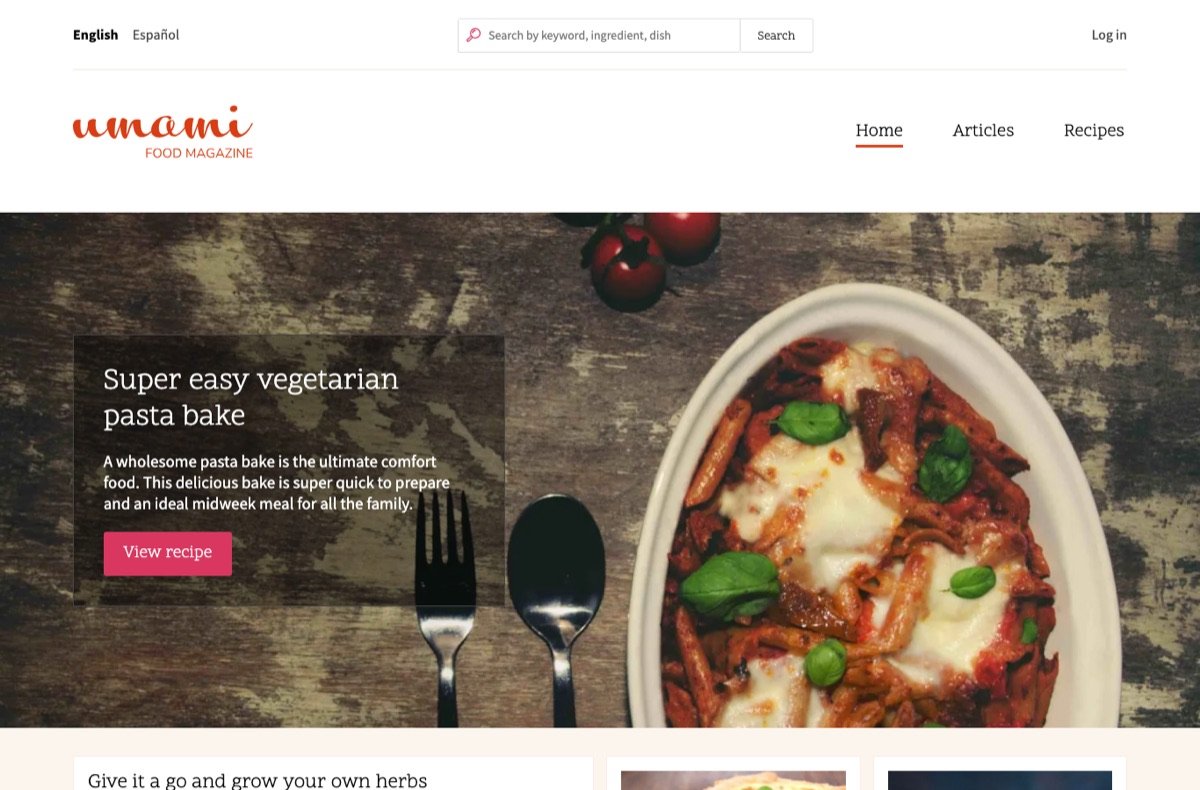
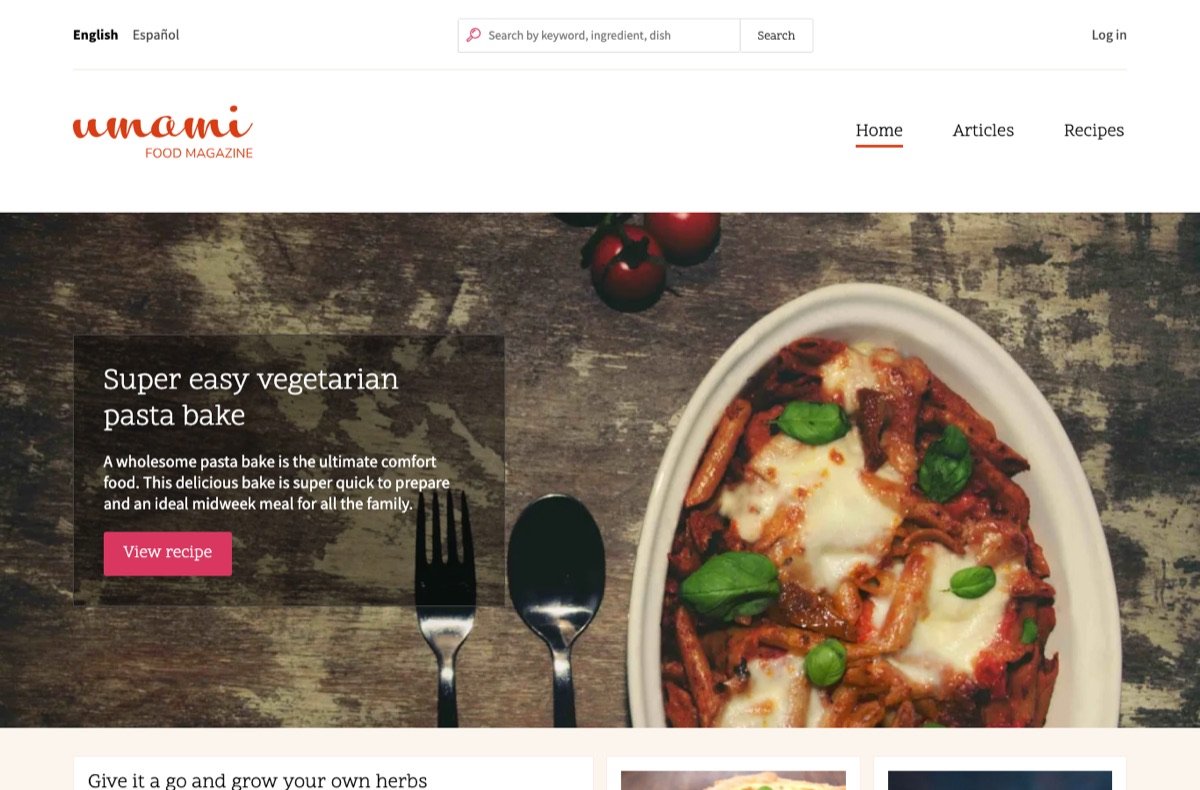
- Public pages in both languages all load, and screenshots before and after match.
- All 19 pieces of content and 104 page addresses are still there.
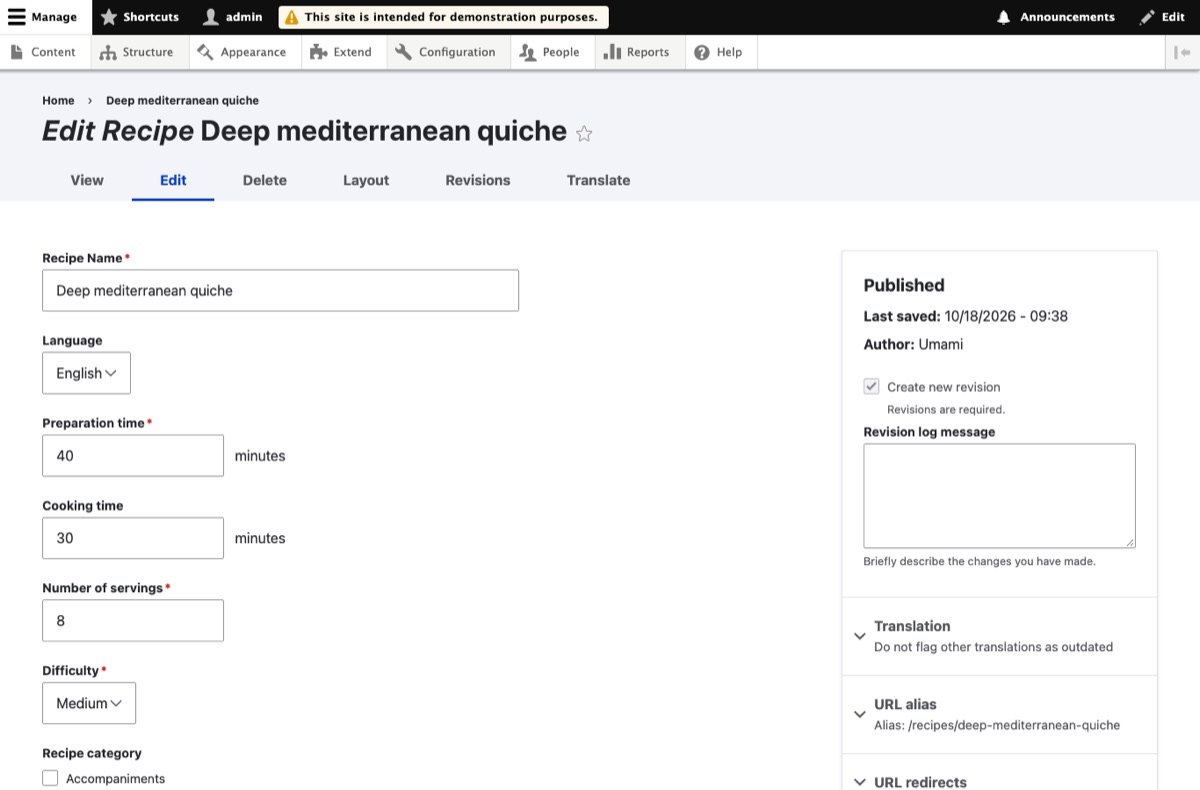
- The content list, editing screen, status report, URL patterns, redirects, meta tags and the custom page all work.
- The status report's only warning was a "trusted host" setting that real live sites already have.

What this means for a real site
On a clean, well-maintained site like this one, the upgrade itself is quick. On real sites the time goes elsewhere:
- copying the live site safely to a working copy;
- custom modules and themes, the part automatic tools only partly fix;
- add-on modules with no Drupal 11 version, which need a replacement or a patch;
- hosting that can't run PHP 8.3 yet;
- testing your editors' real day-to-day tasks, then switching over at a quiet time with a way back.
That's why every quote starts with a free check of your site, and why the price is fixed only after I've seen the admin area.